
Discription
This release focuses on improving the Storefront experience, VA profiles, filters, and admin functionality, along with the introduction of a new Courses feature. Multiple issues were fixed to improve usability, accuracy, and system stability.
1. Storefront & VA Listings
- The VA profile view on the storefront was updated for better presentation of details.
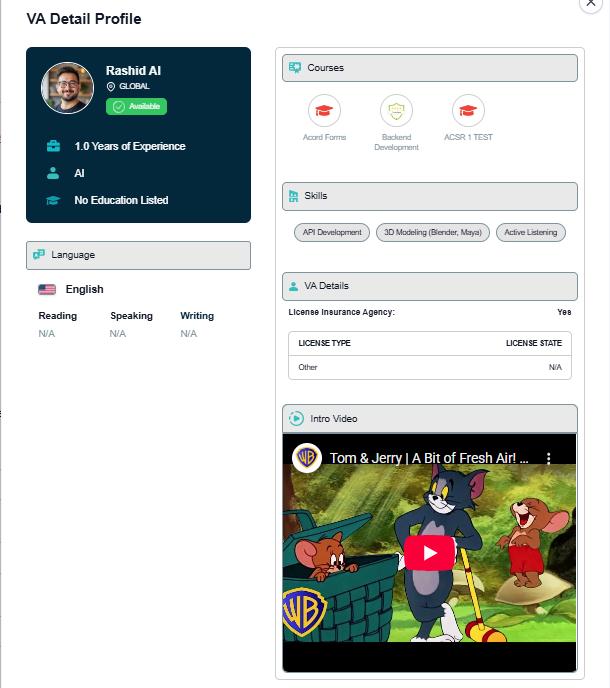
- VA middle name is now shown in the Storefront Admin VA listing table.
- Card layout and pagination were improved to enhance navigation.
- Issues with popup background dimming on the Contact Sales page were fixed.
- A VA reservation feature was added, allowing Sales team members to reserve VAs.
1. Filters & Search Improvements
- Territory and Country filters were added to the Storefront sidebar.
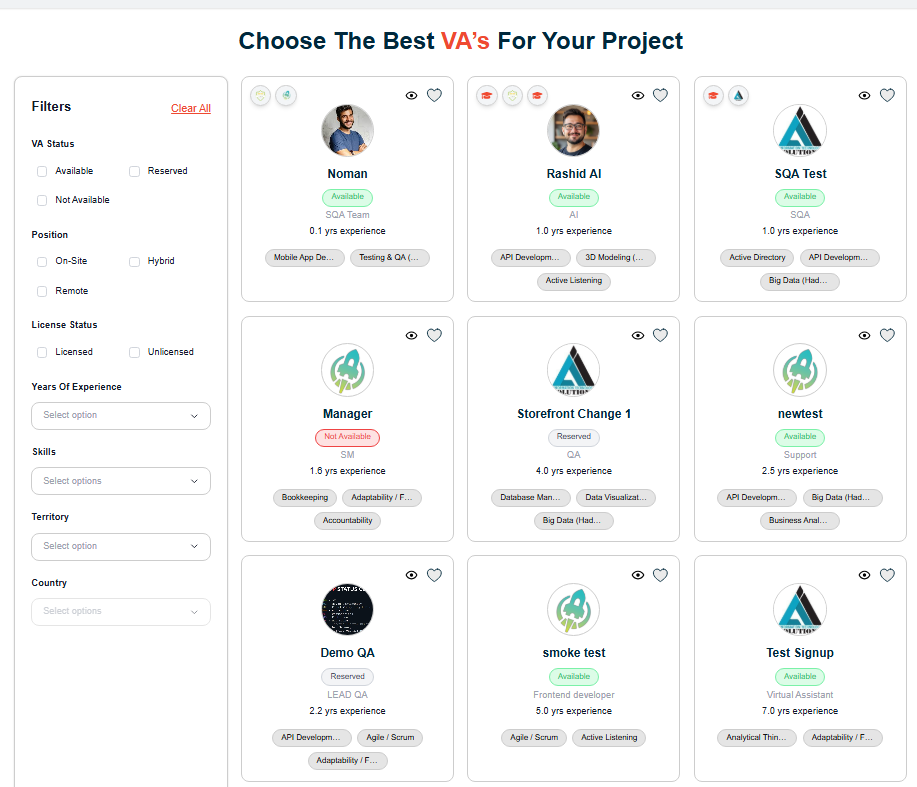
- The Years of Experience filter was corrected to show accurate values.
- Search functionality was improved to return results across all pages, not just the current page.
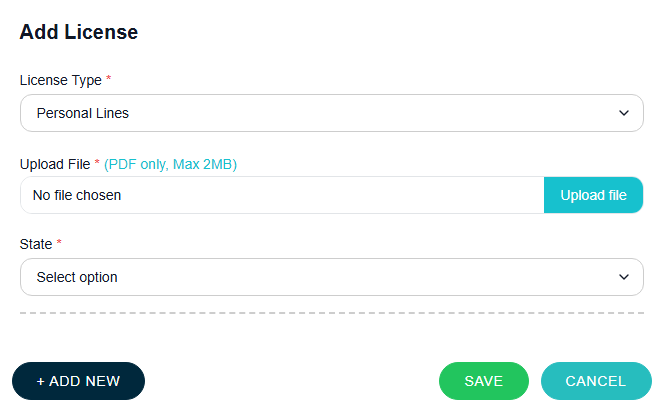
- File upload support was added for all license types.
- A custom name field was added for the “Other” license option.
- Certification field was marked as required.
- Certificate upload, saving, and display issues were fixed.
- Selected skills are now saved in a single field without categorization.
- Issues with saving education and work experience descriptions were resolved.
- “Currently Working Here” and “Currently Studying” options were added to Work Experience.
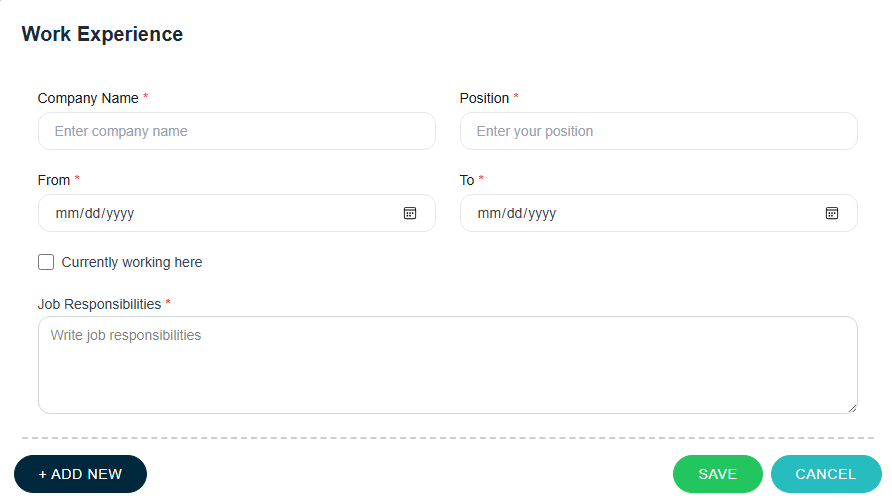
- Validation was improved for required fields such as designation and experience.
- Citizenship selection issues were fixed, including multi-country selection.
- Language proficiency mapping issues were resolved.
- Resume and certificate visibility issues in edit mode were fixed.
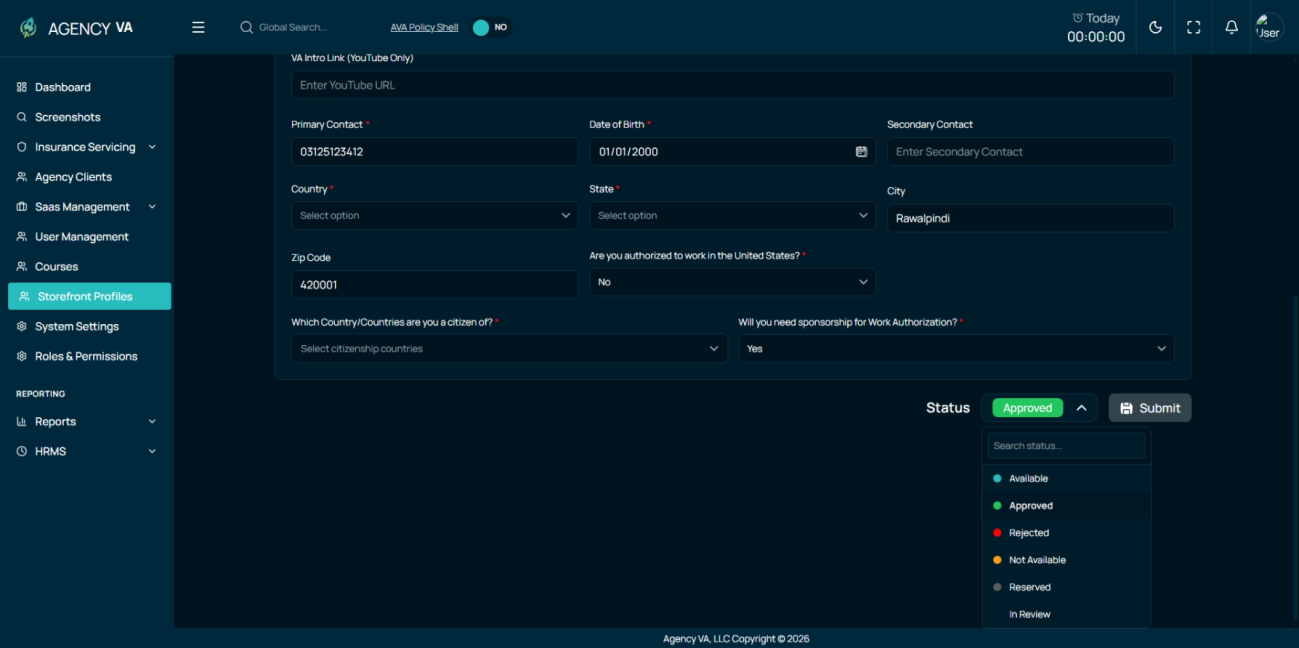
- A VA intro video link was added on the Admin side.
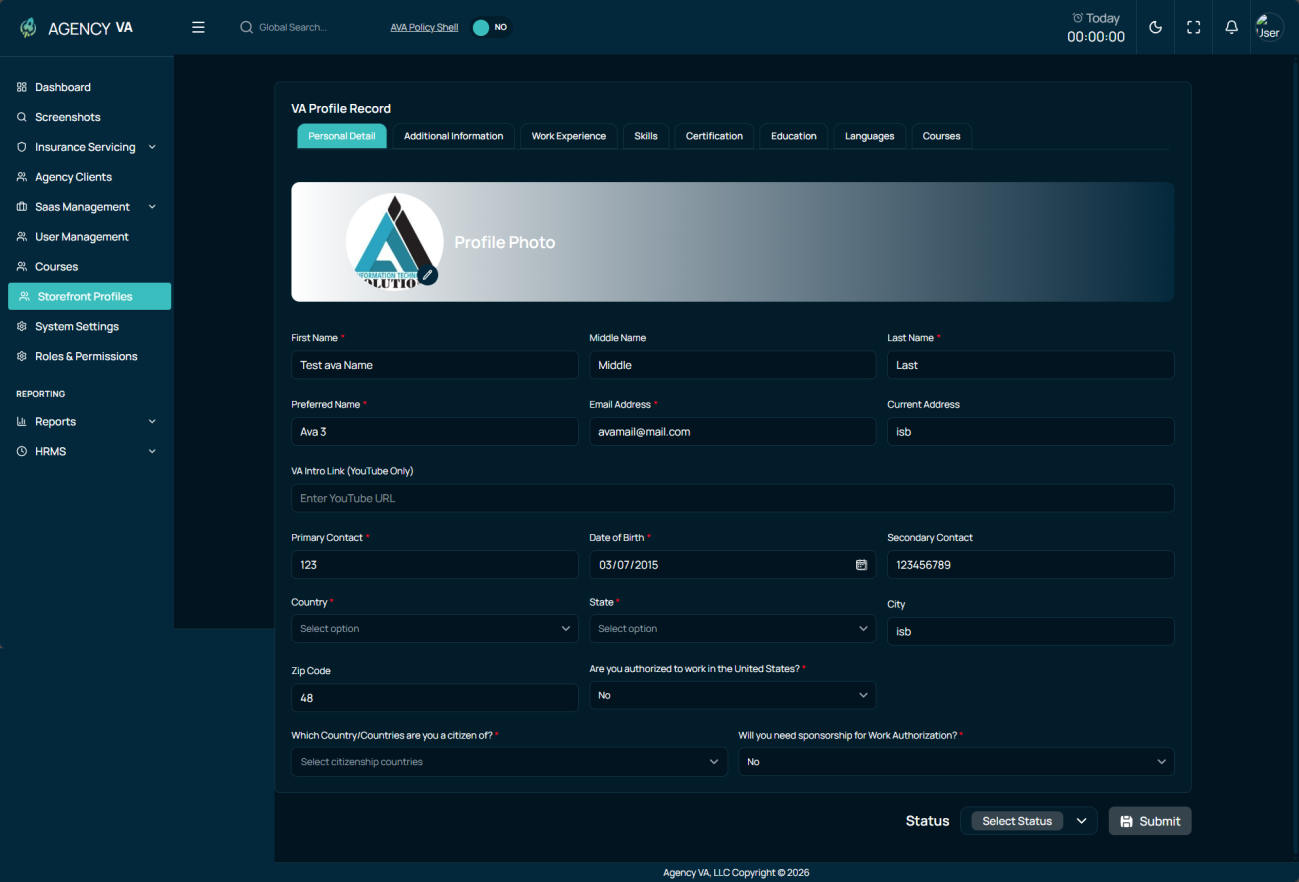
1. Admin & Storefront Fixes
- Missing or incorrect data on VA detail pages after approval was resolved.
- Validation messages were improved to be clearer and more user-friendly.
2. Courses Feature (New)
- A new Courses module was introduced on the Admin side.
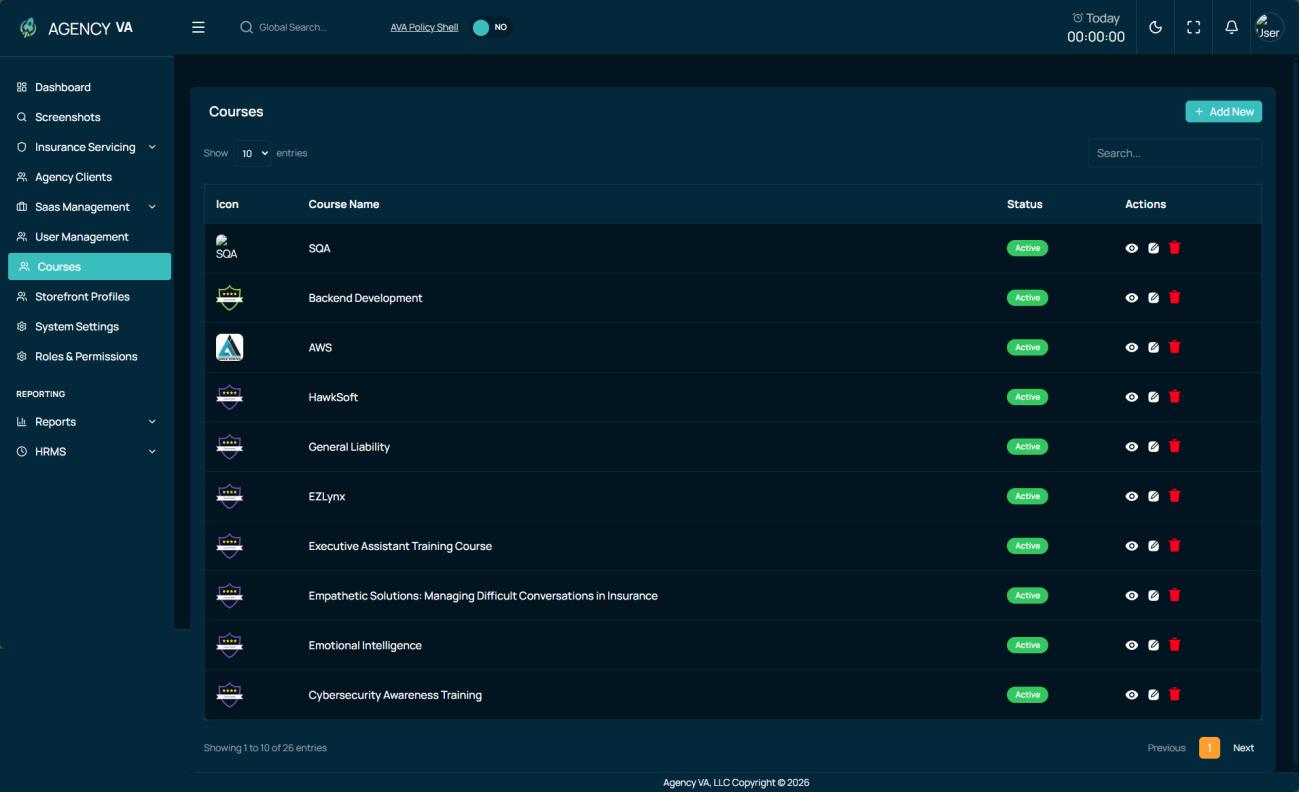
- Admin users can create, update, and delete courses.
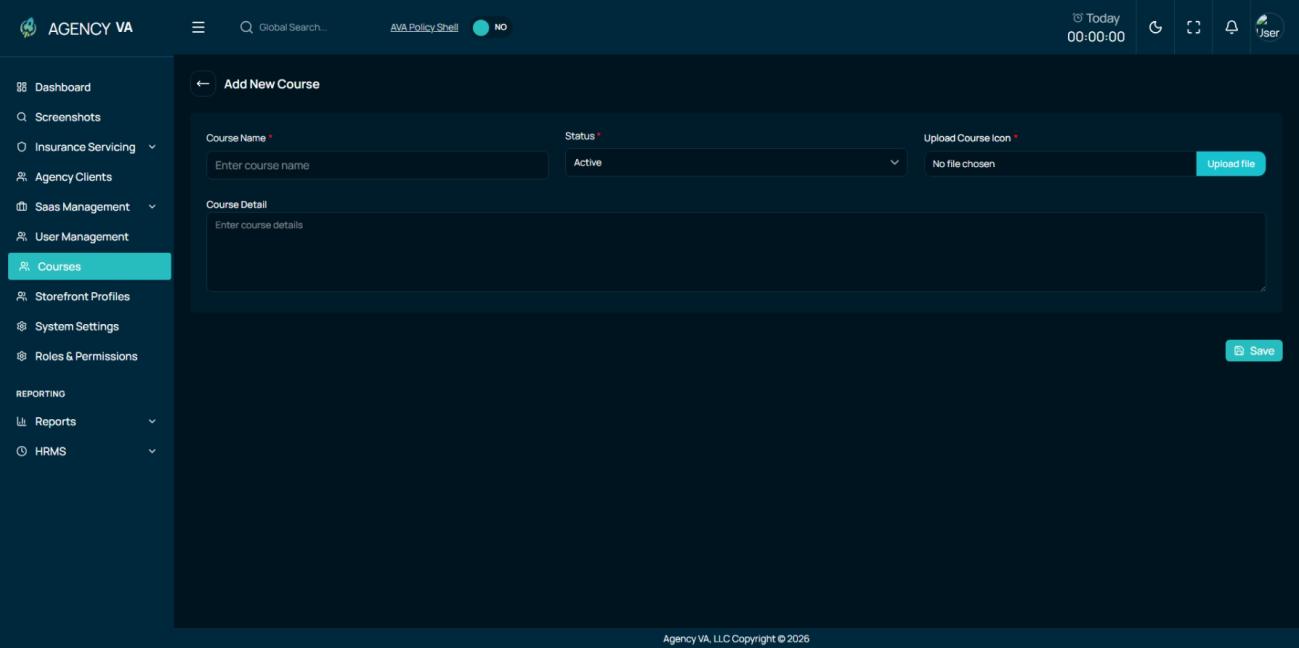
- Course badges were added for each course.
- Courses can now be assigned to VAs with status.
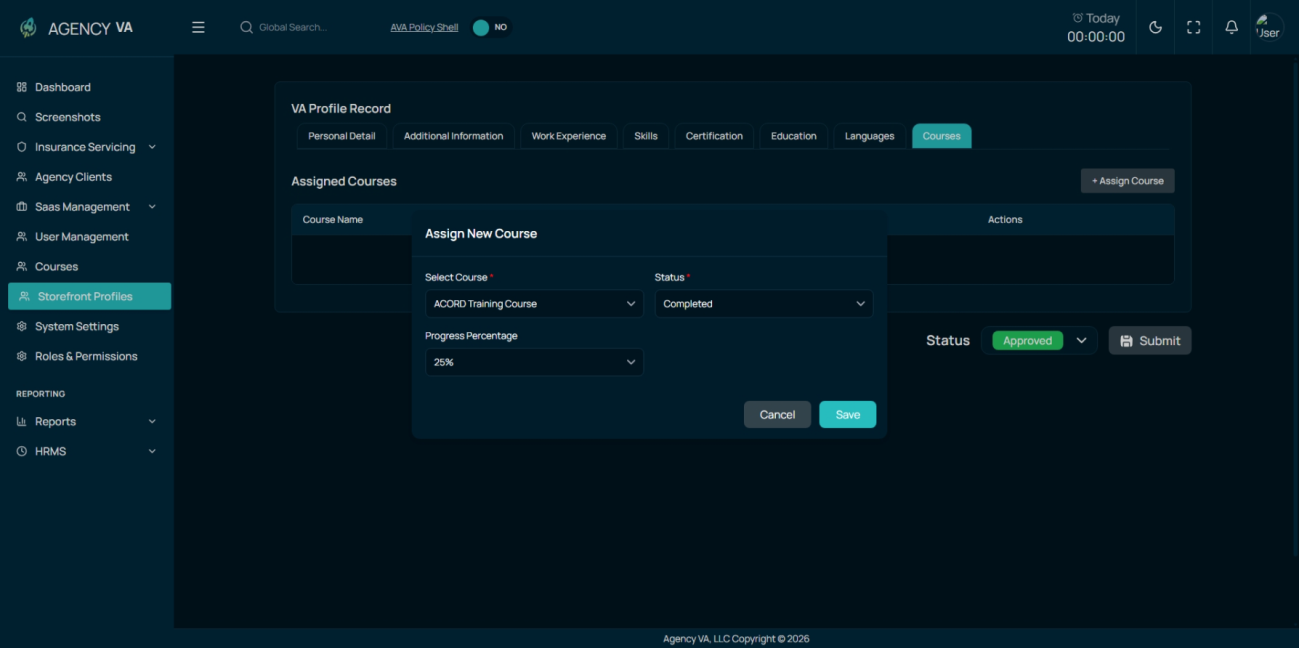
- Assigned course badges are displayed on VA cards and VA detailed profile pages.